Focal lock in photography is a technique used by photographers to maintain sharp focus on a subject while recomposing their shot. This method is particularly useful in situations where the subject is not positioned in the center of the frame. By locking the camera’s focus on the subject, then moving the camera to reframe the shot, photographers can ensure their subject remains sharp.
Continue reading for everything you need to know about using focal lock in your photography!
Why Is Focal Lock Important?
Autofocus isn’t the most reliable tool for focusing when the subject is at the side of the frame. Focal lock is built into all modern digital cameras to correct this. It allows you to select your focal point by pointing your camera at the subject and then moving your camera back to the original composition.
How to Use Focal Lock
Using focal lock is both easy and useful for beginners to help create sharper images. A lot of people use it to avoid the hassle of selective focal points in the camera’s viewfinder.
Without focal lock, you’ll often find that the autofocus struggles to decide what to focus on when you compose a photo with an off-center subject. This tends to result in the camera focusing on either the background or between two subjects.
To use focal lock, simply follow these three easy steps.
Step 1. Compose Your Shot
The rule of thirds dictates that subjects often look best placed on one of the four intersecting points of the rule of thirds grid. Unfortunately, the autofocus doesn’t know this and often chooses to focus on the background. This can be frustrating because it creates an image without an in-focus subject. 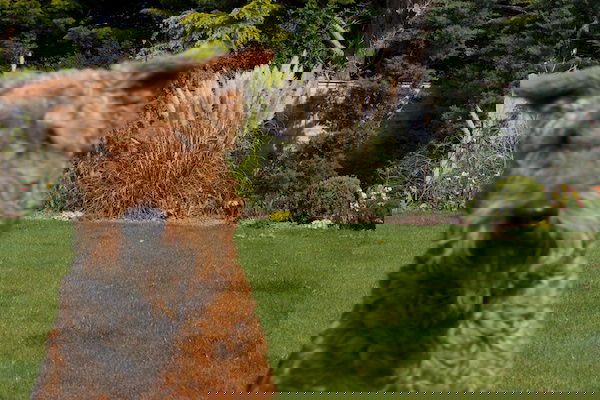
Step 2. Reselect Your Focus Point
Move your camera over to the subject. Aim your camera there long enough for your autofocus to focus on your subject.
Press the shutter release button halfway. This allows your camera time to focus. You’ll often see focal points light up red in the camera’s viewfinder and hear a beep when this is done. 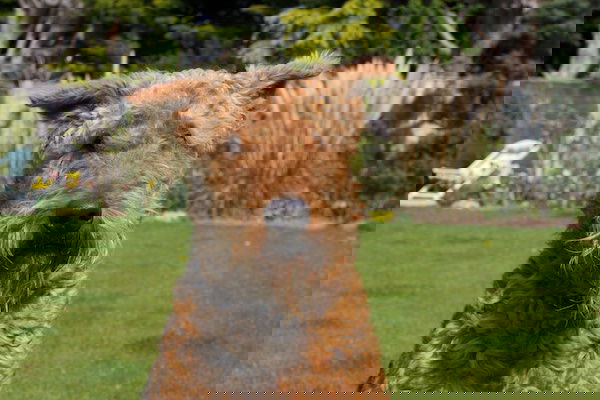
Step 3. Move Your Camera Back to the Original Composition
Being careful not to release the shutter, move the camera back to how it was previously composed. Press the button down fully. You’ll see that the camera does not refocus, and the photo comes out how you envisioned it.
Conclusion: How to Use Focal Lock in Photography
Autofocus is supposed to make a photographer’s life easier. But sometimes, it can do the exact opposite, especially if you’re a beginner. Knowing how to use focal lock can save you a lot of frustration.
One thing to be careful of is how much you move the camera after you’ve locked the focus. If you have a wide aperture, you’ll have a shallow depth of field, so even slight movement will send your photo out of focus.
Check out our Intuitive Composition course to master everything about composition in photography!